Supported on Android and iOS targets
Open the gallery picker
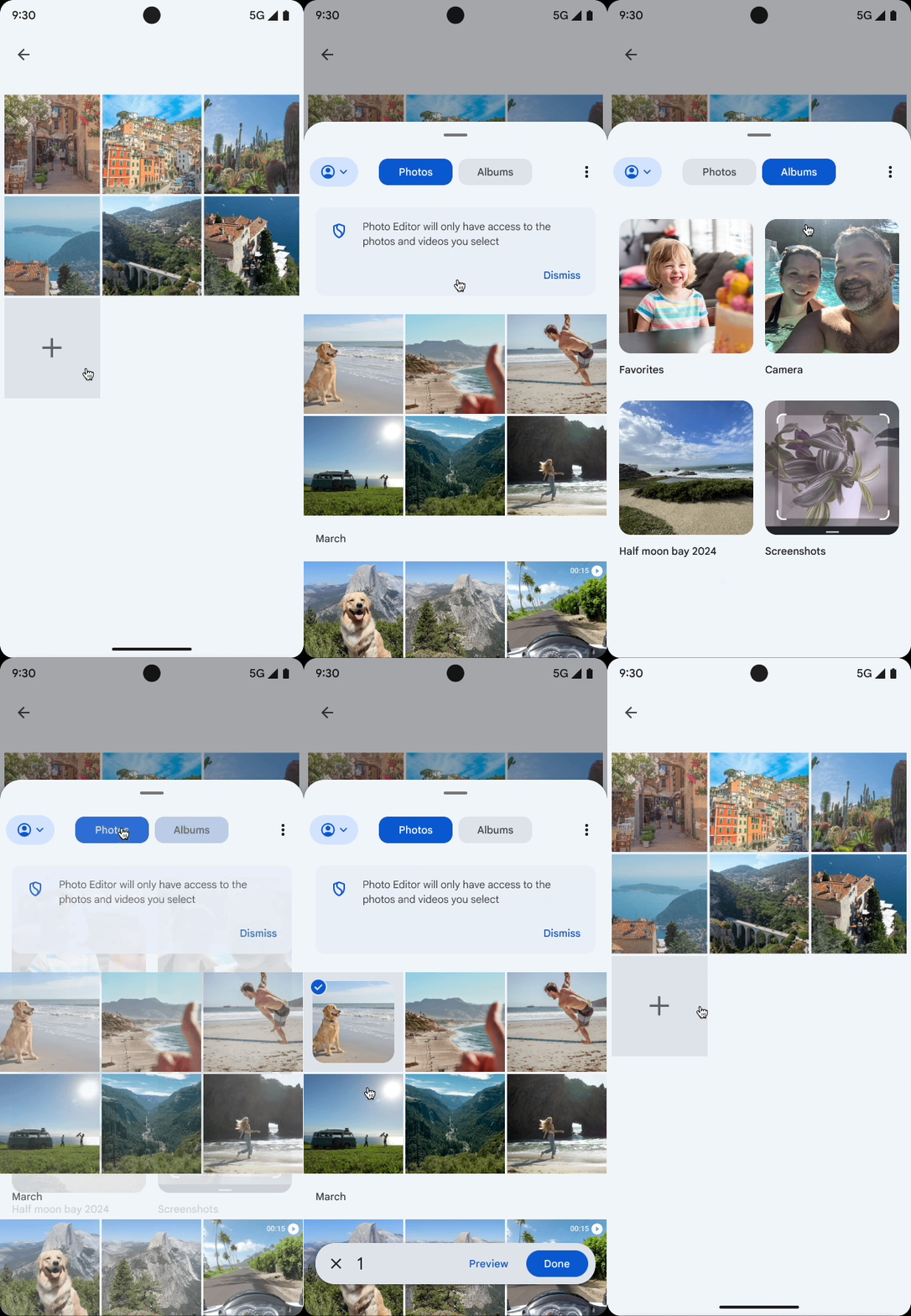
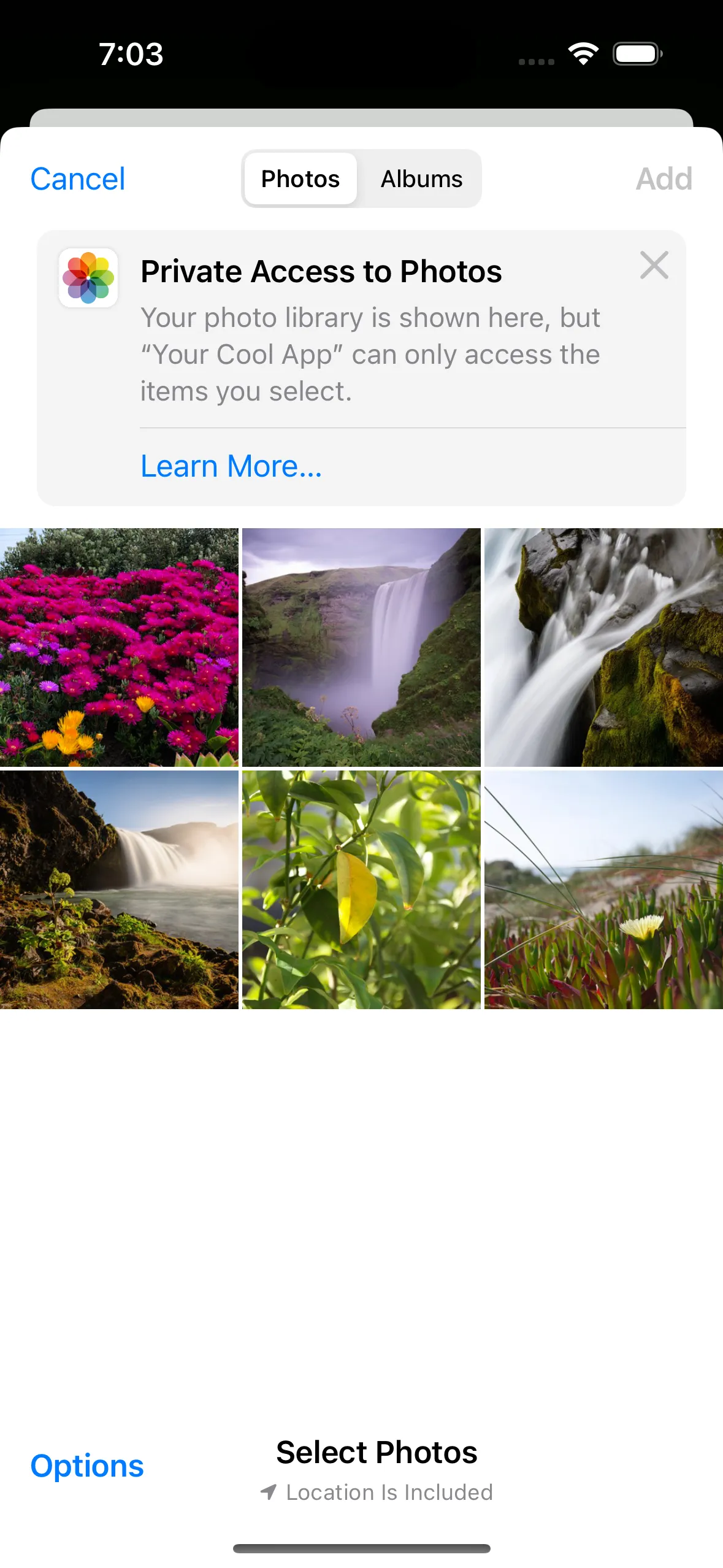
To open the gallery picker dialog on Android and iOS, simply pass Image, Video, or ImageAndVideo to the type parameter:
See dialog error handling for the complete callback and propagation matrix.
On iOS, remember FileKit Compose launchers from a stable/root Compose scope, not
inside transient surfaces such as ModalBottomSheet, dialogs, popups, or
dropdowns. Learn more in GitHub issue #547. Maximum number of items
On both Android and iOS, you can set a limit on the number of items a user can select by passing the maxItems parameter to FileKitMode.Multiple():
This limit is natively enforced by the gallery picker UI on both platforms.
For generic file/document pickers, platform APIs generally only support single/multiple selection (without a native max count). In those cases, FileKit still enforces maxItems by truncating returned results.