> ## Documentation Index
> Fetch the complete documentation index at: https://filekit.mintlify.site/llms.txt
> Use this file to discover all available pages before exploring further.
# Share file dialog
> Open a file sharing dialog in a Kotlin Multiplatform project
Supported on Android and iOS targets
## Open the share file dialog
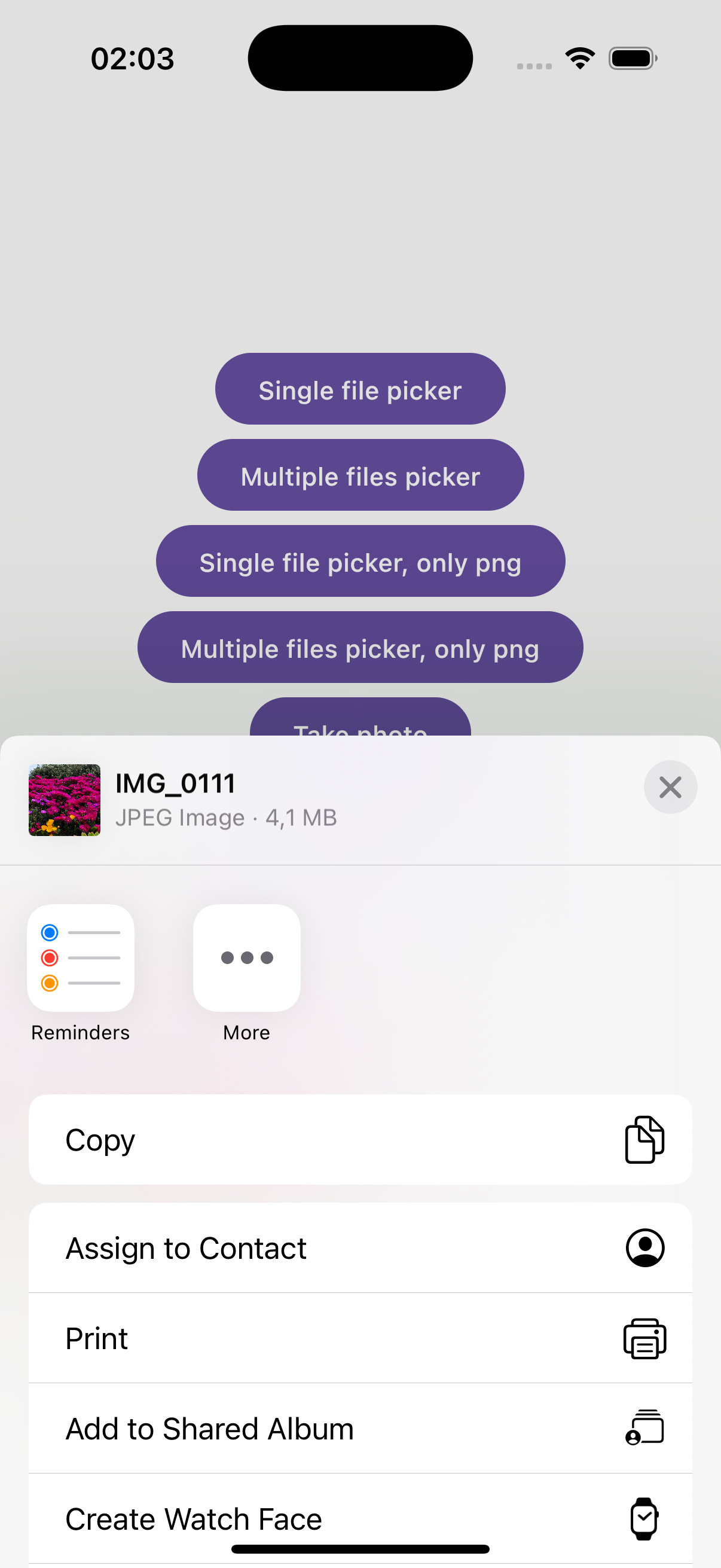
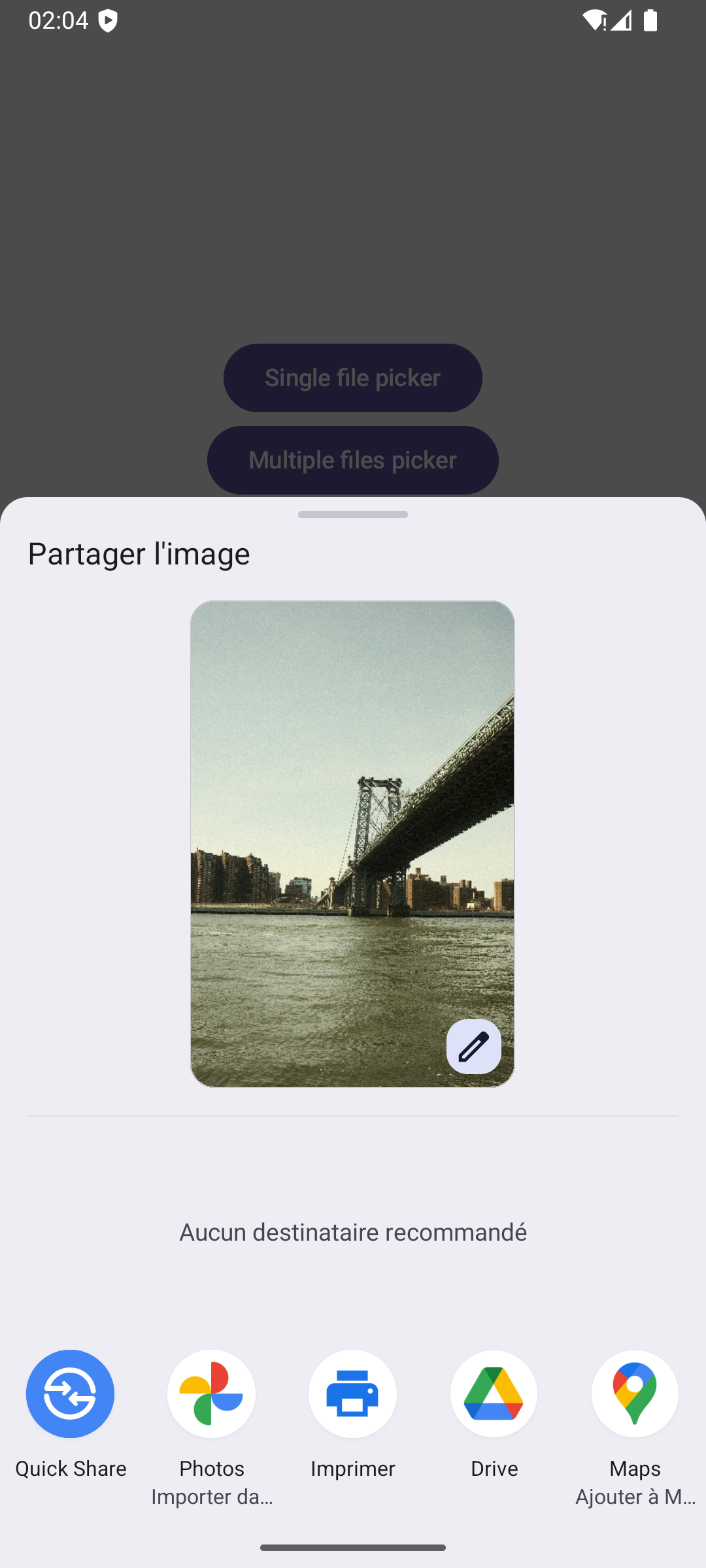
The share file component provides a native interface for users to share files using their device's sharing options.
```kotlin filekit-dialogs theme={null}
val file = PlatformFile("/path/to/file.txt")
// share a single file
FileKit.shareFile(file)
// share multiple files
FileKit.shareFiles(listOf(file1, file2))
```
```kotlin filekit-dialogs-compose theme={null}
val launcher = rememberShareFileLauncher()
Button(onClick = {
// share a single file
launcher.launch(file)
// share multiple files
launcher.launch(listOf(file1, file2))
}) {
Text("Share file")
}
```
Ensure the file you are sharing exists and is accessible. Sharing a non-existent file will result in an error.
## Android setup
Opening files on Android requires additional FileProvider configuration to securely share files with other applications. Starting from Android 7.0 (API level 24), Android restricts the sharing of file URIs between apps for security reasons. FileProvider generates secure content URIs that allow temporary access to specific files.
**Why FileProvider is required?**
Android uses FileProvider to:
* **Enhance security**: Prevents exposing your app's internal file structure to other apps
* **Control access**: Grants temporary, limited access to specific files only
* **Maintain compatibility**: Required for opening files on Android 7.0+ due to `FileUriExposedException`
When using custom file locations on Android, you need to configure a FileProvider in your app:
For detailed information about FileProvider, see the [official Android documentation](https://developer.android.com/reference/androidx/core/content/FileProvider).
1. Add the FileProvider to your `AndroidManifest.xml`:
```xml theme={null}
```
2. Create `androidMain/res/xml/file_paths.xml`:
```xml theme={null}
```
**Important**: Include only the path type that matches your FileKit usage:
* Use `` if you use `FileKit.filesDir`
* Use `` if you use `FileKit.cacheDir`
* Include both if you use both directories
3. When sharing files from custom locations, provide the `shareSettings` parameter with your app's FileProvider authority:
```kotlin filekit-dialogs theme={null}
val file = FileKit.filesDir / "my_file.txt"
FileKit.shareFile(
file = file,
shareSettings = FileKitShareSettings(
authority = "${context.packageName}.fileprovider"
)
)
```
```kotlin filekit-dialogs-compose theme={null}
val launcher = rememberShareFileLauncher()
val file = FileKit.filesDir / "my_file.txt"
Button(onClick = {
launcher.launch(
file = file,
shareSettings = FileKitShareSettings(
authority = "${context.packageName}.fileprovider"
)
)
}) {
Text("Share file")
}
```