> ## Documentation Index
> Fetch the complete documentation index at: https://filekit.mintlify.site/llms.txt
> Use this file to discover all available pages before exploring further.
# Gallery picker dialog
> Open the native photos and videos picker on Android and iOS
Supported on Android and iOS targets
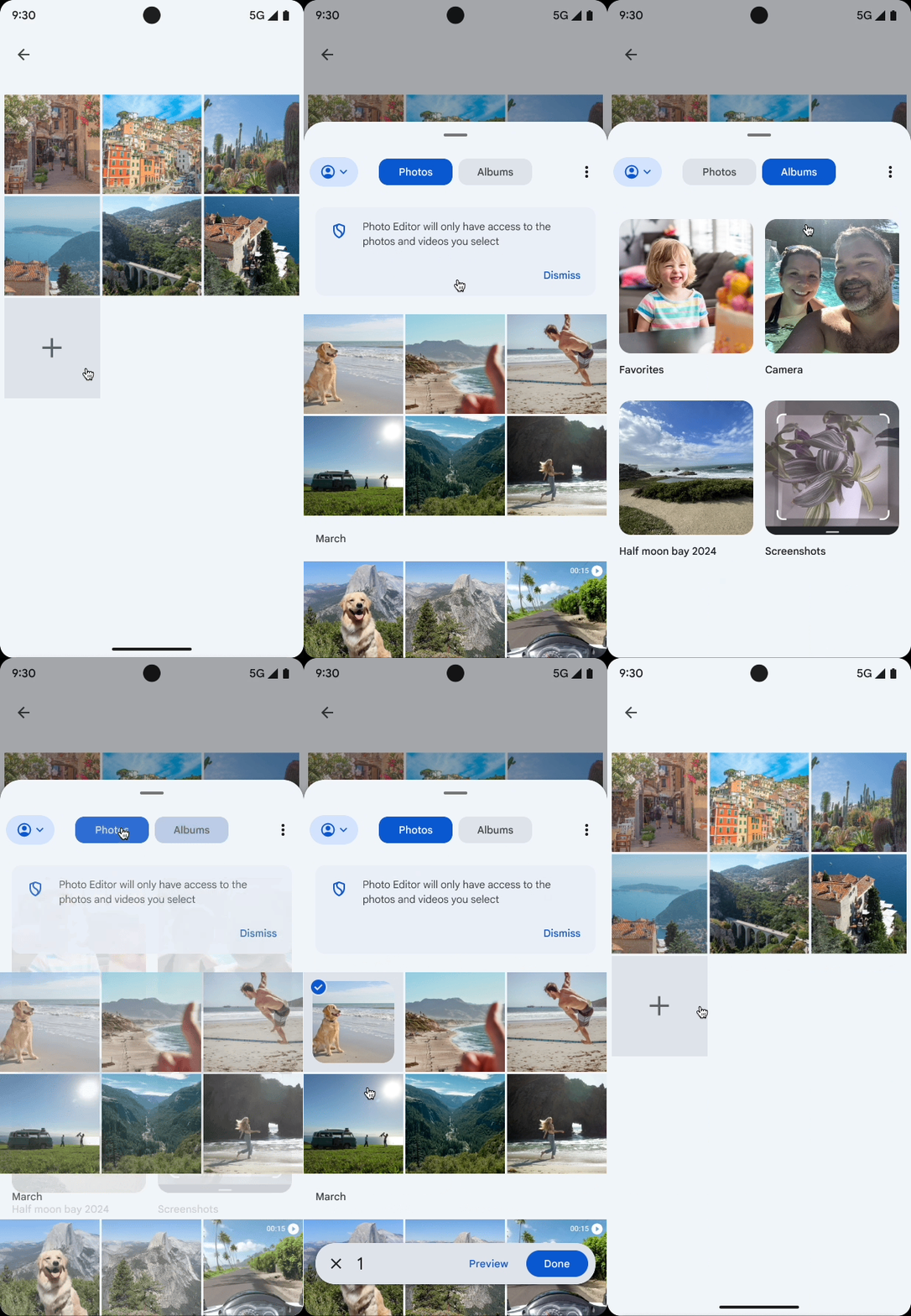
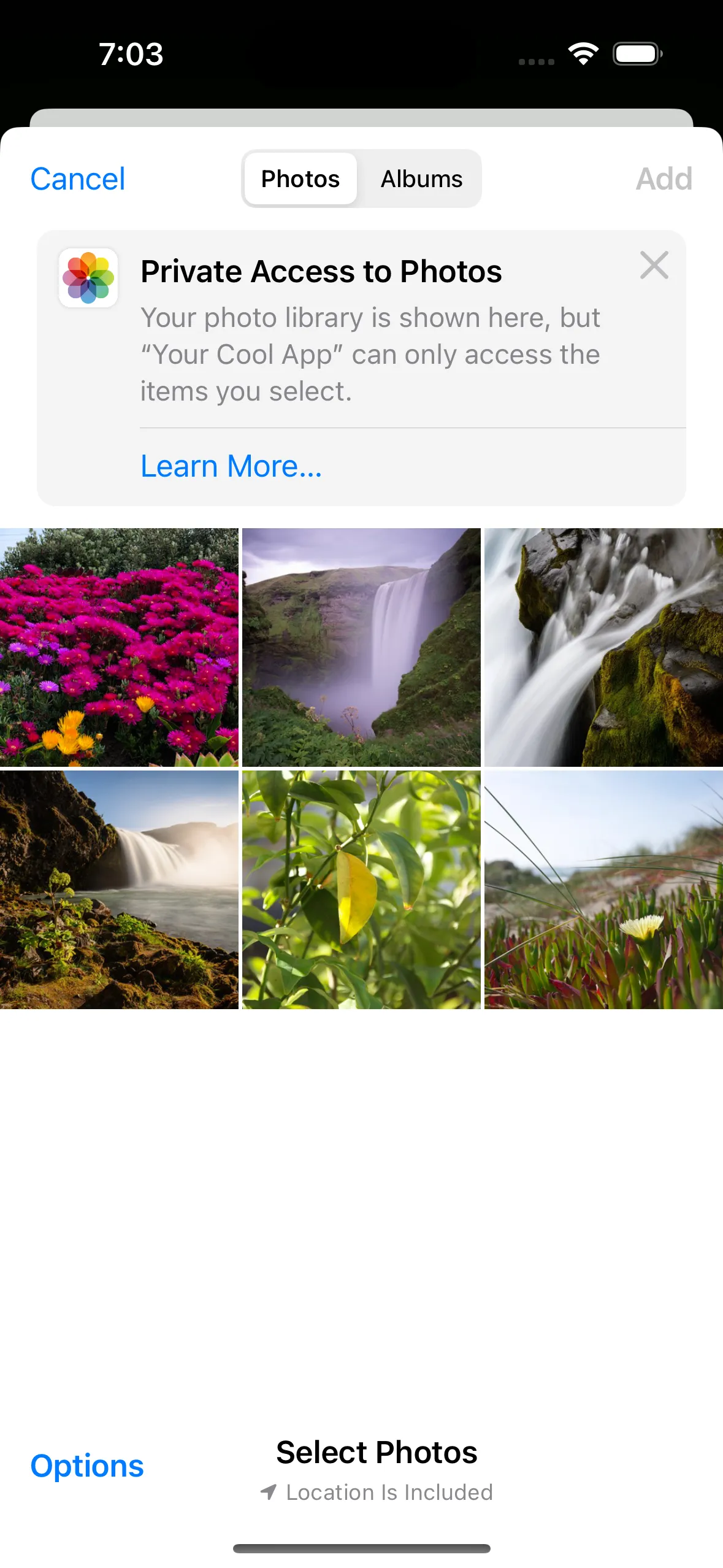
Android and iOS offer a native interface for users to browse and select photos and videos from their device. FileKit provides a unified API to open the gallery picker dialog on both platforms.
* On Android, FileKit provides the [Photo Picker](https://developer.android.com/training/data-storage/shared/photopicker) API.
* On iOS, FileKit provides the [PHPickerViewController](https://developer.apple.com/documentation/photokit/selecting-photos-and-videos-in-ios) API.
### Open the gallery picker
To open the gallery picker dialog on Android and iOS, simply pass `Image`, `Video`, or `ImageAndVideo` to the `type` parameter:
```kotlin filekit-dialogs theme={null}
val image = FileKit.openFilePicker(type = FileKitType.Image)
```
```kotlin filekit-dialogs-compose theme={null}
val launcher = rememberFilePickerLauncher(
type = FileKitType.Image,
) { image ->
// Handle the image
}
```
On iOS, remember FileKit Compose launchers from a stable/root Compose scope, not
inside transient surfaces such as `ModalBottomSheet`, dialogs, popups, or
dropdowns. [Learn more in GitHub issue #547](https://github.com/vinceglb/FileKit/issues/547).
### Maximum number of items
On both Android and iOS, you can set a limit on the number of items a user can select by passing the `maxItems` parameter to `FileKitMode.Multiple()`:
```kotlin theme={null}
val mode = FileKitMode.Multiple(maxItems = 5)
```
This limit is natively enforced by the gallery picker UI on both platforms.
For generic file/document pickers, platform APIs generally only support single/multiple selection (without a native max count). In those cases, FileKit still enforces `maxItems` by truncating returned results.